
diff options
| author | Xe <me@christine.website> | 2022-08-24 01:15:14 +0000 |
|---|---|---|
| committer | Xe <me@christine.website> | 2022-08-24 01:15:14 +0000 |
| commit | 0af0c09b014f922649e0ec186626fa9f86ae9ea8 (patch) | |
| tree | 6e587f658298ae806c1e54110596268334e62791 | |
| parent | e37b5462cff3fbf8ffe8cb01e0c902526e1dc8ba (diff) | |
| download | xesite-0af0c09b014f922649e0ec186626fa9f86ae9ea8.tar.xz xesite-0af0c09b014f922649e0ec186626fa9f86ae9ea8.zip | |
Stable Diffusion on NixOS
Signed-off-by: Xe <me@christine.website>
| -rw-r--r-- | blog/stable-diffusion-nixos.markdown | 204 |
1 files changed, 204 insertions, 0 deletions
diff --git a/blog/stable-diffusion-nixos.markdown b/blog/stable-diffusion-nixos.markdown new file mode 100644 index 0000000..0cb38ca --- /dev/null +++ b/blog/stable-diffusion-nixos.markdown @@ -0,0 +1,204 @@ +--- +title: Getting Stable Diffusion Running on NixOS +date: 2022-08-23 +series: howto +tags: + - stablediffusion + - ai + - ml + - nixos +--- + +<xeblog-hero file="the-forbidden-shape" ai="Stable Diffusion" prompt="The Forbidden Shape by M.C. Escher, dystopian vibes, 8k uhd"></xeblog-hero> + +Computers are awesome gestalts of sand and oil that can let us do anything we +want given we can supply the correct incantations. One of these things you can +do with computers is give plain text descriptions of what an image should +contain and then get back an approximation of that image. There are tools like +[DALL-E 2](https://openai.com/dall-e-2/) that can let you do this on someone +else's computer with the power of the cloud, but until recently there hasn't +been a good option for being able to run one of these on your own hardware. + +<xeblog-conv name="Mara" mood="hacker">For the not-computer-people in the room, +being able to do this is _kind of incredible_ and is the kind of technology you +only saw described in science fiction movies. And maybe that one Neal Stephenson +book that people keep trying to replicate without understanding the point of the +Torture Nexus.</xeblog-conv> + +[Stable Diffusion](https://stability.ai/blog/stable-diffusion-public-release) is +a machine learning model that lets you enter in plain text descriptions of what +you want an image to contain and then get an image back. You can try it out at +their official website [here](http://beta.dreamstudio.ai/) (log in with your +Google account). However, that's running it on someone else's computer. The real +magic comes from the fact that Stable Diffusion can run on very high-end +consumer hardware. A fork of Stable Diffusion's code even lets this run on +mid-tier and even low-end graphics cards like the [NVIDIA RTX +2060](https://www.techpowerup.com/gpu-specs/geforce-rtx-2060.c3310). Today I'm +going to show you how I got Stable Diffusion running in my homelab on NixOS. + +<xeblog-conv name="Cadey" mood="coffee">If you are using Ubuntu, this is not +going to be as difficult as this post will make you think. Most of the +"difficulty" involved comes from ML toolkits being the exact opposite of what +NixOS expects.</xeblog-conv> + +With all that out of the way, here's how I got everything working. + +## Install the GPU + +After locating the our spare GPU (an NVIDIA RTX 2060) in storage (thanks Scoots +for helping me dig through the closet of doom), I needed to put it into one of +my [homelab nodes](https://xeiaso.net/blog/my-homelab-2021-06-08). In the past +I've gotten this 2060 to run on `logos`, so I plunked it back in there, sealed +the machine up and turned it on. We were going to monitor the boot with the +crash cart monitor, but the cheap-ass case I used to build logos didn't really +allow the GPU's HDMI port to get a good contact with the HDMI cable. + +Turns out the machine booted normal and we didn't have to care too much, but +that was annoying at first. + +## Activate the drivers + +The NVIDIA drivers are proprietary software, but NixOS does provide build +instructions for them. In order to enable the drivers for `logos`, I stuck the +following settings into its +[`configuration.nix`](https://tulpa.dev/cadey/nixos-configs/commit/72a43e184a0987550455079c62e581fdd89a5356): + +```nix +# ... + +# enable unfree packages like the nvidia driver +nixpkgs.config.allowUnfree = true; + +# enable the nvidia driver +services.xserver.videoDrivers = [ "nvidia" ]; +hardware.opengl.enable = true; +hardware.nvidia.package = config.boot.kernelPackages.nvidiaPackages.stable; +``` + +After making these changes, I committed the configuration to my nixos-configs +git repo and then deployed it out. Everything was fine and the `nvidia-smi` +command showed up on `logos`, but it didn't do anything. This is what I +expected. + +Then I told the machine to reboot. It came back up and I counted my blessings +because nvidia-smi detected the GPU! + +<blockquote class="twitter-tweet" data-conversation="none"><p lang="zxx" dir="ltr"><a href="https://t.co/PS1RTy82dc">pic.twitter.com/PS1RTy82dc</a></p>— Xe Iaso | @cadey@pony.social (@theprincessxena) <a href="https://twitter.com/theprincessxena/status/1561865439914893315?ref_src=twsrc%5Etfw">August 22, 2022</a></blockquote> <script async src="https://platform.twitter.com/widgets.js" charset="utf-8"></script> + +## Install dependencies + +The part I was dreading about this process is the "installing all of the goddamn +dependencies" step. Most of this AI/ML stuff is done in Python. Among more +experienced Linux users, programs written in Python have a reputation of being +"the worst thing ever to try to package" and "hopefully reliable but don't +sneeze at the setup once it works". I've had my share of spending approximately +way too long trying to bash things into shape with no success. I was kind of +afraid that this would be more of the same. + +Turns out all the AI/ML people have started using this weird thing called +[conda](https://docs.conda.io/en/latest/) which gives you a more reproducible +environment for AI/ML crap. It does mean that I'll have to have conda install +all of the dependencies and can't reuse the NixOS copies of things like Cuda, +but I'd rather deal with that than have to reinvent the state of the world for +this likely barely hacked together AI/ML thing. + +Here is what I needed to do in order to get things installed on NixOS: + +``` +$ nix shell nixpkgs#conda +$ conda-shell +conda-shell$ conda env create -f environment.yaml +conda-shell$ exit +$ conda-shell +conda-shell$ conda activate ldm +``` + +And then I could [download the +model](https://github.com/CompVis/stable-diffusion#weights) and put it in the +folder that the AI wanted. + +## Make art + +Then I was able to make art by running the `optimizedSD/optimized_txt2img.py` +tool. I personally prefer using these flags: + +``` +python optimizedSD/optimized_txt2img.py \ + --H 512 \ + --W 768 \ + --n_iter 1 \ + --n_samples 4 \ + --ddim_steps 50 \ + --prompt "The Forbidden Shape by M.C. Escher, pencil on lined paper, dystopian vibes, 8k uhd" +``` + +| Flag | Meaning | +| :--- | :------ | +| `--H` | Image height | +| `--W` | Image width | +| `--n_iter` | Number of iterations/batches of images to generate | +| `--n_samples` | Number of images to generate per batch | +| `--ddim_steps` | Number of steps to take to diffuse/generate the image, more means it will take longer | +| `--prompt` | Plain-text prompt to feed into the AI to generate images from | + +I've found that a 512x512 image will render in about 30 seconds on my 2060 and a +512x768 image will render in something barely over that. + +## Gallery + +Here are some images I've generated: + +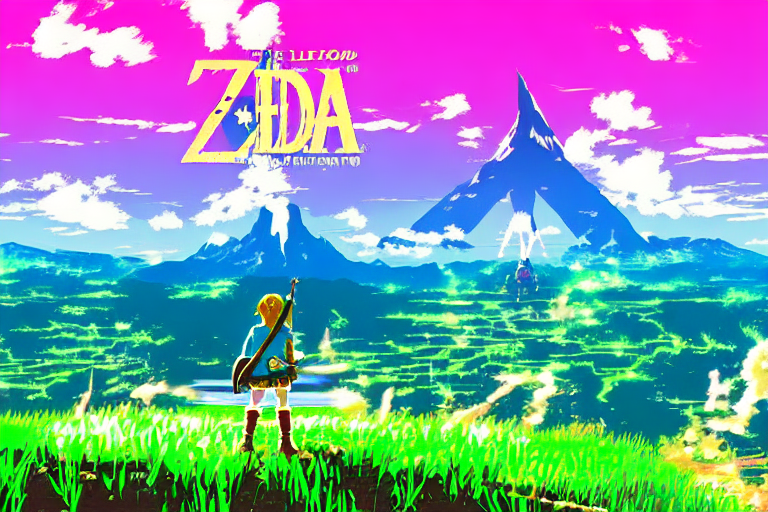 + +> The legend of zelda breath of the wild, windows xp wallpaper, vaporwave style, +> anime influences + + + +> Cyberpunk style image of a Telsa car reflection in rain + +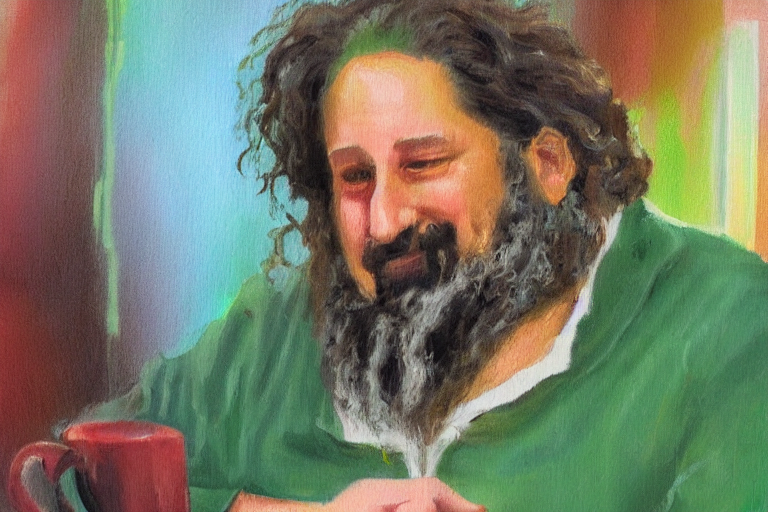 + +> An impressionist painting of Richard Stallman at Starbucks + +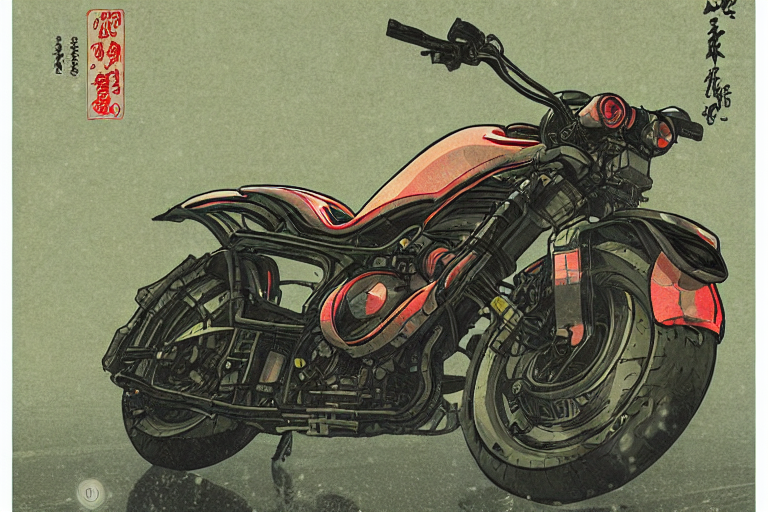 + +> Cyberpunk style image of a motorcycle reflection in rain, ukiyo-e, unreal +> engine, trending on artstation + +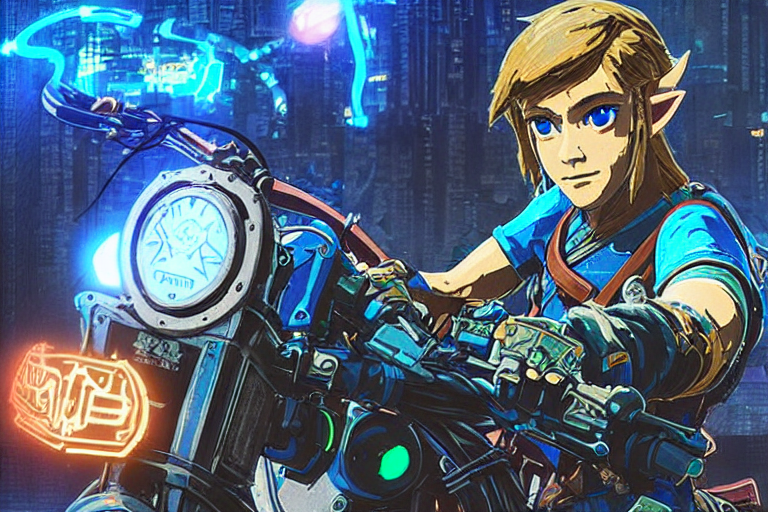 + +> Cyberpunk style image of the breath of the wild link on a motorcycle + + + +> A Tabaxi druid tending to her cannabis crop, weed, marijuana, digital art, +> trending on artstation + +<xeblog-conv name="Mara" mood="hacker">This is just the tip of the iceberg, +there are many more examples [in this twitter +thread](https://twitter.com/theprincessxena/status/1561875753666478082).</xeblog-conv> + +--- + +I'm still flabbergasted that this can be done so easily on consumer hardware. I +was also equally flabbergasted that all of this is done without too much effort +put into prompt engineering. This is incredible. I've been using AI generated +images for my talk slides and blogposts and spending money on MidJourney and +DALL-E to do it, but Stable Diffusion may just be good enough to not have to +break out MidJourney or DALL-E unless I need something that they do better. +MidJourney is [so much better at +landscapes](https://f001.backblazeb2.com/file/christine-static/hero/colorful-bliss.webp). +DALL-E is very good at inferring more of the exact thing I intended. + +However for just messing around and looking for things that match the aesthetic +I'm going for, this is beyond good enough. I'm likely going to be using this to +generate the "hero images" for my posts in the future. + +If you manage to get this working on NixOS, let me know if there's an easier way +to do this. If you can figure out how to package this into NixOS proper then you +win all the internet points I have to offer. I may hook this up into a better +version of RoboCadey, but I'll probably need to make the airflow in `logos` a +lot better before I do that and unleash it upon the world. + +This is super exciting and I can't wait to really unlock the power of this thing. |