---
title: Getting Stable Diffusion Running on NixOS
date: 2022-08-23
series: howto
tags:
- stablediffusion
- ai
- ml
- nixos
hero:
ai: Stable Diffusion
file: the-forbidden-shape
prompt: The Forbidden Shape by M.C. Escher, dystopian vibes, 8k uhd
---
Computers are awesome gestalts of sand and oil that can let us do anything we
want given we can supply the correct incantations. One of these things you can
do with computers is give plain text descriptions of what an image should
contain and then get back an approximation of that image. There are tools like
[DALL-E 2](https://openai.com/dall-e-2/) that can let you do this on someone
else's computer with the power of the cloud, but until recently there hasn't
been a good option for being able to run one of these on your own hardware.
For the not-computer-people in the room, being able to do this is _kind of
incredible_ and is the kind of technology you only saw described in science
fiction movies. And maybe that one Neal Stephenson book that people keep
trying to replicate without understanding the point of the Torture Nexus.
[Stable Diffusion](https://stability.ai/blog/stable-diffusion-public-release) is
a machine learning model that lets you enter in plain text descriptions of what
you want an image to contain and then get an image back. You can try it out at
their official website [here](https://beta.dreamstudio.ai/) (log in with your
Google account). However, that's running it on someone else's computer. The real
magic comes from the fact that Stable Diffusion can run on very high-end
consumer hardware. A fork of Stable Diffusion's code even lets this run on
mid-tier and even low-end graphics cards like the [NVIDIA RTX
2060](https://www.techpowerup.com/gpu-specs/geforce-rtx-2060.c3310). Today I'm
going to show you how I got Stable Diffusion running in my homelab on NixOS.
If you are using Ubuntu, this is not going to be as difficult as this post
will make you think. Most of the "difficulty" involved comes from ML toolkits
being the exact opposite of what NixOS expects.
With all that out of the way, here's how I got everything working.
## Install the GPU
After locating the our spare GPU (an NVIDIA RTX 2060) in storage (thanks Scoots
for helping me dig through the closet of doom), I needed to put it into one of
my [homelab nodes](https://xeiaso.net/blog/my-homelab-2021-06-08). In the past
I've gotten this 2060 to run on `logos`, so I plunked it back in there, sealed
the machine up and turned it on. We were going to monitor the boot with the
crash cart monitor, but the cheap-ass case I used to build logos didn't really
allow the GPU's HDMI port to get a good contact with the HDMI cable.
Turns out the machine booted normal and we didn't have to care too much, but
that was annoying at first.
## Activate the drivers
The NVIDIA drivers are proprietary software, but NixOS does provide build
instructions for them. In order to enable the drivers for `logos`, I stuck the
following settings into its
[`configuration.nix`](https://tulpa.dev/cadey/nixos-configs/commit/72a43e184a0987550455079c62e581fdd89a5356):
```nix
# ...
# enable unfree packages like the nvidia driver
nixpkgs.config.allowUnfree = true;
# enable the nvidia driver
services.xserver.videoDrivers = [ "nvidia" ];
hardware.opengl.enable = true;
hardware.nvidia.package = config.boot.kernelPackages.nvidiaPackages.stable;
```
After making these changes, I committed the configuration to my nixos-configs
git repo and then deployed it out. Everything was fine and the `nvidia-smi`
command showed up on `logos`, but it didn't do anything. This is what I
expected.
Then I told the machine to reboot. It came back up and I counted my blessings
because nvidia-smi detected the GPU!
## Install dependencies
The part I was dreading about this process is the "installing all of the goddamn
dependencies" step. Most of this AI/ML stuff is done in Python. Among more
experienced Linux users, programs written in Python have a reputation of being
"the worst thing ever to try to package" and "hopefully reliable but don't
sneeze at the setup once it works". I've had my share of spending approximately
way too long trying to bash things into shape with no success. I was kind of
afraid that this would be more of the same.
Turns out all the AI/ML people have started using this weird thing called
[conda](https://docs.conda.io/en/latest/) which gives you a more reproducible
environment for AI/ML crap. It does mean that I'll have to have conda install
all of the dependencies and can't reuse the NixOS copies of things like Cuda,
but I'd rather deal with that than have to reinvent the state of the world for
this likely barely hacked together AI/ML thing.
Here is what I needed to do in order to get things installed on NixOS:
First I cloned the [optimized version of Stable Diffusion for GPUs with low
amounts of vram](https://github.com/basujindal/stable-diffusion) and then I ran
these commands:
```
$ nix shell nixpkgs#conda
$ conda-shell
conda-shell$ conda-install
conda-shell$ conda env create -f environment.yaml
conda-shell$ exit
$ conda-shell
conda-shell$ conda activate ldm
```
And then I could [download the
model](https://github.com/CompVis/stable-diffusion#weights) and put it in the
folder that the AI wanted.
## Make art
Then I was able to make art by running the `optimizedSD/optimized_txt2img.py`
tool. I personally prefer using these flags:
```
python optimizedSD/optimized_txt2img.py \
--H 512 \
--W 768 \
--n_iter 1 \
--n_samples 4 \
--ddim_steps 50 \
--prompt "The Forbidden Shape by M.C. Escher, pencil on lined paper, dystopian vibes, 8k uhd"
```
| Flag | Meaning |
| :------------- | :------------------------------------------------------------------------------------ |
| `--H` | Image height |
| `--W` | Image width |
| `--n_iter` | Number of iterations/batches of images to generate |
| `--n_samples` | Number of images to generate per batch |
| `--ddim_steps` | Number of steps to take to diffuse/generate the image, more means it will take longer |
| `--prompt` | Plain-text prompt to feed into the AI to generate images from |
I've found that a 512x512 image will render in about 30 seconds on my 2060 and a
512x768 image will render in something barely over that.
## Gallery
Here are some images I've generated:
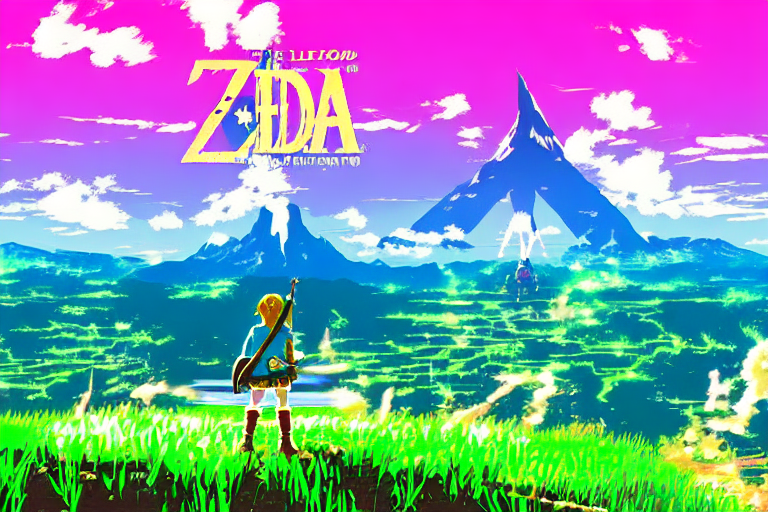
> The legend of zelda breath of the wild, windows xp wallpaper, vaporwave style,
> anime influences

> Cyberpunk style image of a Telsa car reflection in rain
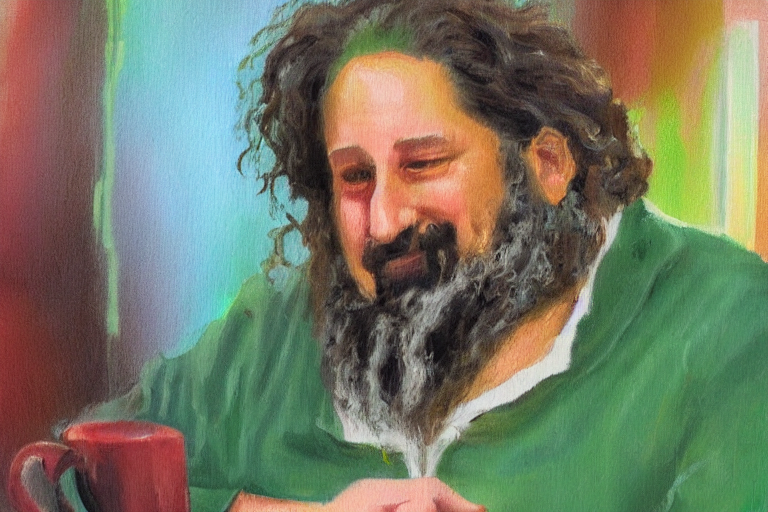
> An impressionist painting of Richard Stallman at Starbucks
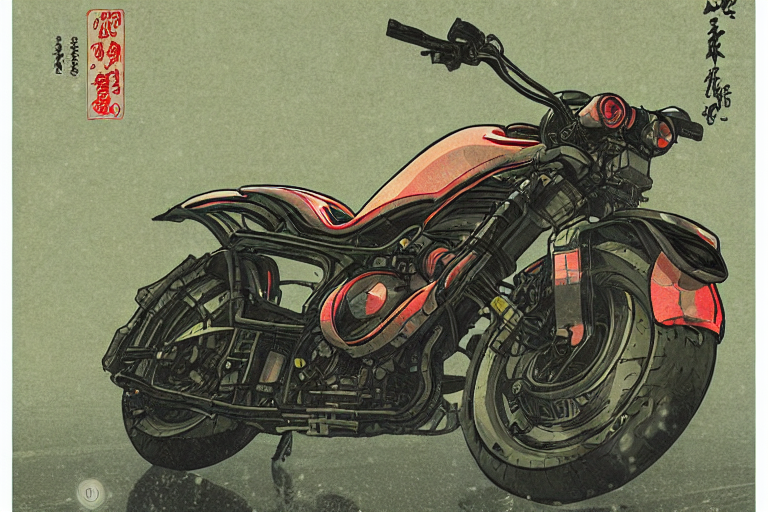
> Cyberpunk style image of a motorcycle reflection in rain, ukiyo-e, unreal
> engine, trending on artstation

> Cyberpunk style image of the breath of the wild link on a motorcycle

> A Tabaxi druid tending to her cannabis crop, weed, marijuana, digital art,
> trending on artstation
This is just the tip of the iceberg, there are many more examples [in this
twitter
thread](https://twitter.com/theprincessxena/status/1561875753666478082).
---
I'm still flabbergasted that this can be done so easily on consumer hardware. I
was also equally flabbergasted that all of this is done without too much effort
put into prompt engineering. This is incredible. I've been using AI generated
images for my talk slides and blogposts and spending money on MidJourney and
DALL-E to do it, but Stable Diffusion may just be good enough to not have to
break out MidJourney or DALL-E unless I need something that they do better.
MidJourney is [so much better at
landscapes](https://cdn.xeiaso.net/file/christine-static/hero/colorful-bliss.webp).
DALL-E is very good at inferring more of the exact thing I intended.
However for just messing around and looking for things that match the aesthetic
I'm going for, this is beyond good enough. I'm likely going to be using this to
generate the "hero images" for my posts in the future.
If you manage to get this working on NixOS, let me know if there's an easier way
to do this. If you can figure out how to package this into NixOS proper then you
win all the internet points I have to offer. I may hook this up into a better
version of RoboCadey, but I'll probably need to make the airflow in `logos` a
lot better before I do that and unleash it upon the world.
This is super exciting and I can't wait to really unlock the power of this thing.